SEO Reporting Guide 2026
SEO Report PDF: The Complete Guide to Creating Reports That Win Clients (2026)
Everything you need to build, download, and present a professional SEO report PDF — free templates, tools, structure, and expert tips included.
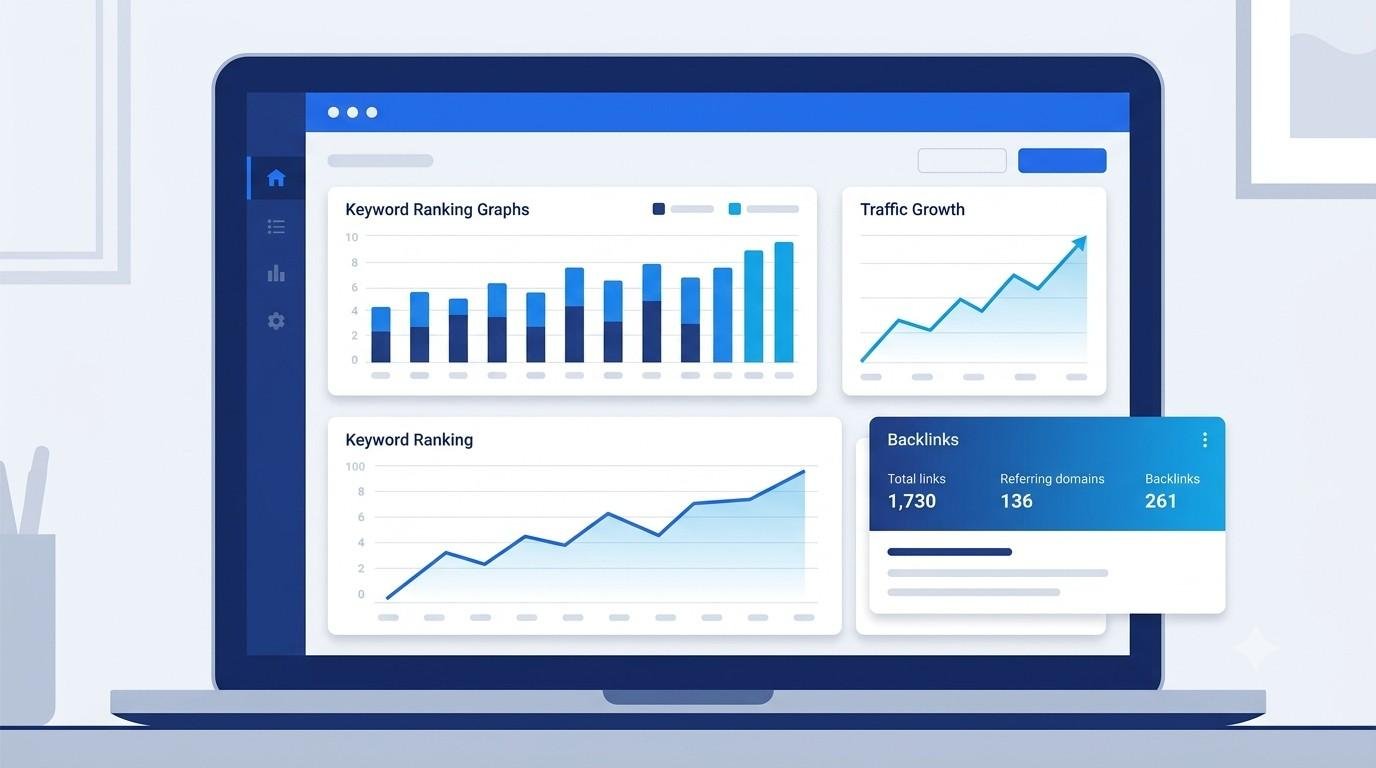
An SEO report PDF is more than a stack of numbers — it is the single document that proves whether an SEO strategy is actually working. Whether it is being sent to a client, a manager, or a business owner, a clear and well-designed report builds trust and keeps everyone aligned on results.
In this guide, readers will learn exactly what belongs in a modern SEO report PDF, how to build one from scratch (or with a template), which tools generate them automatically, and the mistakes that make reports look unprofessional. By the end, anyone — from a solo freelancer to an in-house marketing team — will be able to create a report that is easy to read, backed by real data, and genuinely helpful to the reader.
What Is an SEO Report PDF?
An SEO report PDF is a formatted summary of a website’s search engine performance over a set period. It typically combines data from tools like Google Search Console, Google Analytics, and third-party SEO platforms into one shareable file that does not require the reader to log into any dashboard.
Unlike a live dashboard, a PDF is static, easy to email, easy to archive, and easy to present in a client meeting. That is exactly why agencies, freelancers, and marketing teams still rely on it — even in 2026, when most SEO tools offer live reporting portals.
Why an SEO Report PDF Still Matters
- Client retention: Regular reporting is one of the biggest factors in whether a client renews an SEO contract.
- Accountability: A dated PDF creates a clear record of what was done and what results followed.
- Internal alignment: Teams use reports to justify budget, headcount, and strategy shifts.
- Portability: A PDF works on any device, needs no login, and can be printed for board meetings.
Search demand data shows the keyword “seo report pdf” and its variations — including monthly seo report pdf, seo report pdf template, and free seo report pdf — consistently attract over a thousand monthly searches, which reflects just how many marketers are actively looking for reporting resources rather than building everything from scratch.
What to Include in an SEO Report PDF
A report that only shows rankings is incomplete. The most effective SEO report PDFs cover five core areas:
1. Keyword Ranking Overview
Show current positions for target keywords, movement compared to the last period, and which pages rank for which terms. Grouping keywords by intent (informational, transactional, navigational) makes this section far easier to read.
2. Organic Traffic Summary
Pull sessions, users, and conversions from Google Analytics or GA4, and compare against the previous period and the same period last year if possible.
3. Backlink Profile
List new backlinks earned, referring domains gained or lost, and overall domain authority trends.
4. Technical SEO Health
Cover Core Web Vitals, crawl errors, indexation issues, and mobile usability — pulled directly from Google Search Console.
5. Action Items & Next Steps
End every report with a short, prioritized list of what will be done next. This turns the report from a look backward into a plan forward — which is what clients actually care about most.
Free vs. Paid SEO Report PDF Templates
Choosing between a free seo report pdf template and a paid, automated one depends on how many reports need to be produced each month.
How to Create an SEO Report PDF Step by Step
Step 1: Define the Reporting Period
Weekly, monthly, and quarterly are the three most common cycles. Monthly is the standard for most agency-client relationships.
Step 2: Pull Data From Core Sources
Google Search Console and Google Analytics are non-negotiable. Add a rank tracker and a backlink tool for a complete picture.
Step 3: Choose a Template or Design Tool
A slide-based tool (like Google Slides or Canva) or a dedicated reporting platform both work well for exporting a clean PDF.
Step 4: Add Context, Not Just Numbers
Every chart should have one or two sentences explaining what changed and why. Raw data without commentary is the number one complaint clients have about SEO reports.
Step 5: Export and Review
Export to PDF, check that every chart renders correctly, and proofread before sending.
📄 Simple SEO Report PDF Structure to Copy
- Cover page (client name, date range, logo)
- Executive summary (3–5 bullet highlights)
- Keyword rankings table
- Traffic & conversions chart
- Backlink summary
- Technical SEO snapshot
- Next month’s action plan
Popular Tools for Generating SEO Report PDFs
Common Mistakes to Avoid in SEO Reports
- Too much raw data, no interpretation. Clients want insight, not spreadsheets.
- No comparison period. A number without context (last month, last year) is meaningless.
- Ignoring conversions. Rankings and traffic mean little without business impact.
- Inconsistent reporting dates. Irregular reporting damages trust faster than bad rankings.
- No clear next steps. Every report should end with a plan, not just a summary.
Frequently Asked Questions
What should a monthly SEO report PDF include?
A monthly SEO report PDF should include keyword rankings, organic traffic trends, backlink changes, technical SEO health, and a short action plan for the following month.
Where can I find a free SEO report PDF template?
Free templates are commonly available through slide-design platforms, spreadsheet tools, and several SEO software providers that offer a basic version at no cost.
How often should an SEO report PDF be sent?
Monthly is the industry standard, though fast-moving campaigns or new websites sometimes benefit from weekly reporting during the first few months.
Can SEO report PDFs be automated?
Yes. Many reporting platforms can automatically pull data from Google Search Console, Google Analytics, and rank trackers, then generate a branded PDF on a schedule.
What is the difference between an SEO report and an SEO audit?
An SEO report tracks ongoing performance over a specific period, while an SEO audit is a one-time deep analysis identifying issues and opportunities at a single point in time.
Keep Learning
Conclusion
A well-built SEO report PDF does far more than display rankings — it builds trust, proves value, and keeps every stakeholder aligned on what happens next. Whether starting from a free seo report pdf template or investing in an automated reporting tool, the goal stays the same: clear data, honest context, and a next step the reader can act on.
Start simple, stay consistent, and let every report tell a story — not just show a spreadsheet.